Your Codex. Every Tab.
Import YouTube videos as you watch them. Explore entire websites and search before importing. Chat with your sources in a side panel — without ever leaving the page.
Requires a free myCodex account. Works with all plans.
What It Does
Three things. All from a side panel in your browser.
Import as You Browse
Watching a YouTube video? One click to import it into your project. Browse a website? Import entire pages or whole site sections — all without leaving the tab.
Explore Entire Sites
Discover every page on a website. Search by keyword across all discovered content. See coverage stats. Then import only what matters — search first, import second.
Chat Alongside Anything
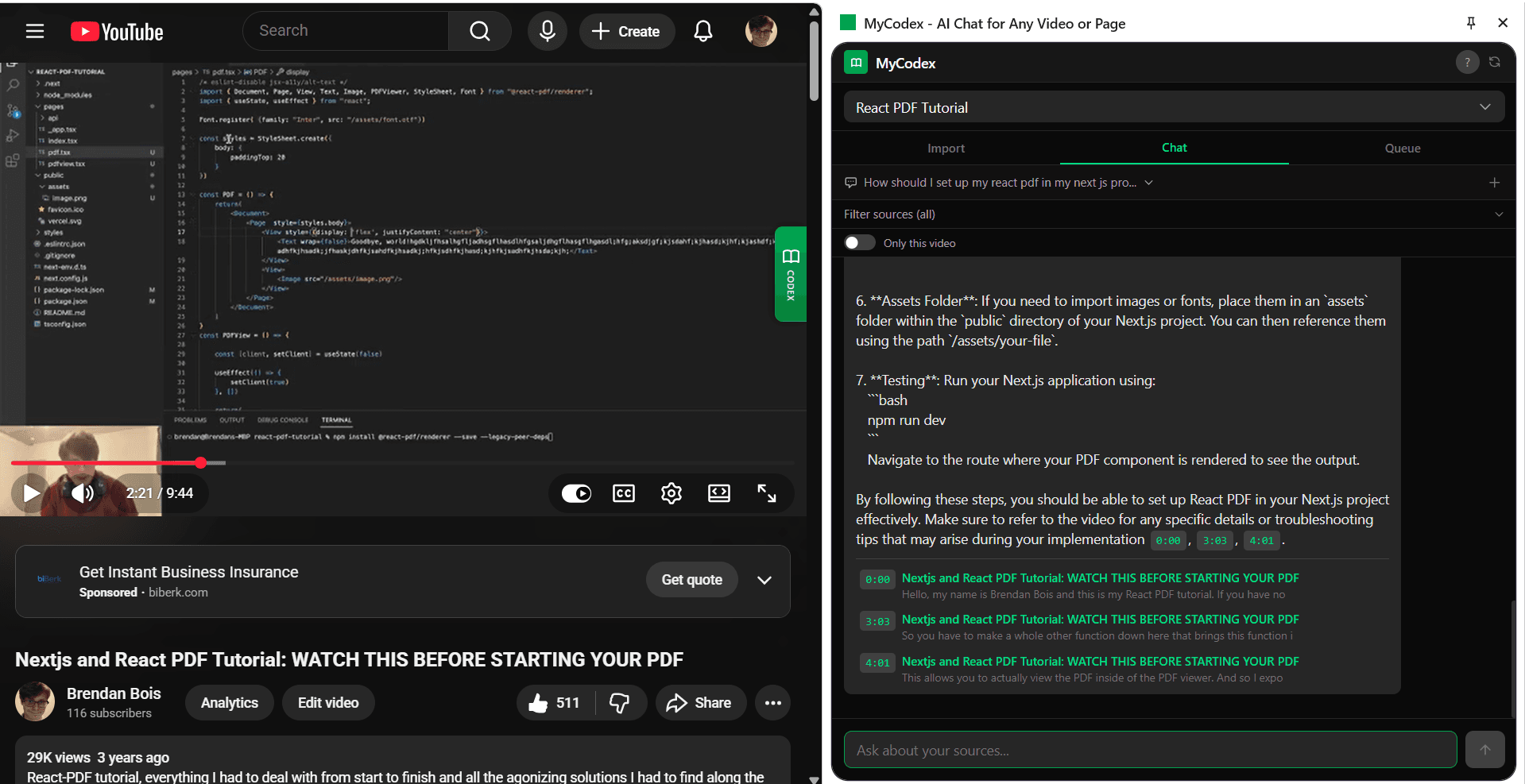
Your AI knowledge base sits right next to whatever you're reading or watching. Ask questions, get cited answers, and verify them against the original source in real time.
Use It Anywhere
YouTube Research
Build a knowledge base from your favorite educational channels. Import videos from playlists, entire channels, or one at a time as you watch.
Investigative Research
Exploring the Epstein files? Government archives? Import thousands of pages, search by keyword, and let AI help you find connections.
Documentation Sites
Crawl an entire docs site — React, Python, any framework. Search across all pages, then import exactly what you need for your project.
Course Materials
Students: import lecture recordings, professor websites, and reading materials. Teachers: build a Codex from any online resource.
How It Works
Install the Extension
Add to Chrome in one click. Sign in with your myCodex account.
Open the Side Panel
Click the extension icon on any website. Your projects appear in a side panel.
Import What You Find
Import the current page, explore the whole site, or grab YouTube videos. Search before importing.
Chat With Your Sources
Switch to Chat. Ask questions. Get cited answers from everything you've imported.
Get the Extension
Available now for Google Chrome. Free to install, works with all myCodex plans.
Don't have an account? Create one free